Turn your habits into
something worth sharing.
Habivas records every check-in as a beautiful, shareable piece of work — and keeps your streak alive on the days life gets in the way. Rest days, skips and repairs are built in, because a tracker that punishes you is a tracker you quit.
Get Habivas for
Windows installs via App Installer (MSIX) and keeps itself up to date. For 64-bit (x64) Windows.
Android and Web are coming soon.
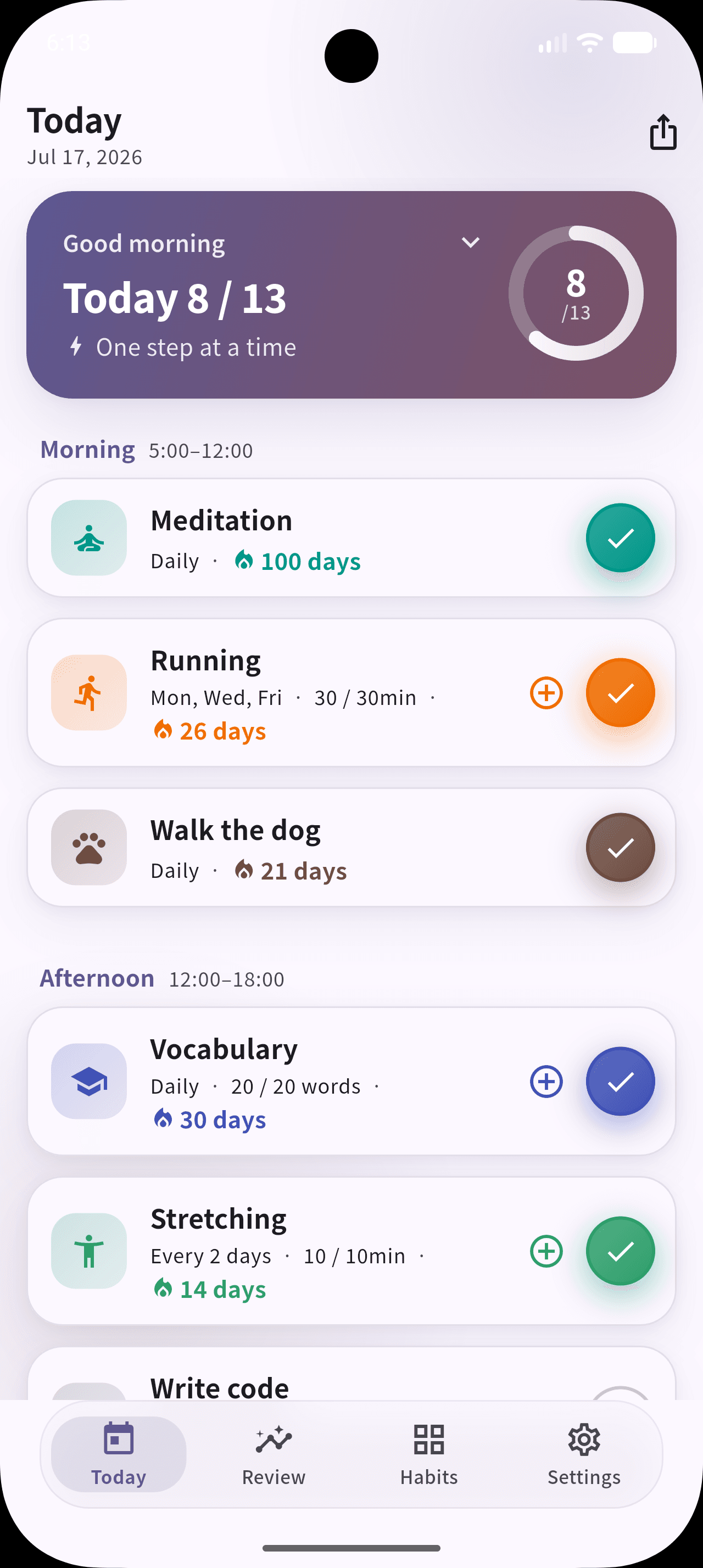
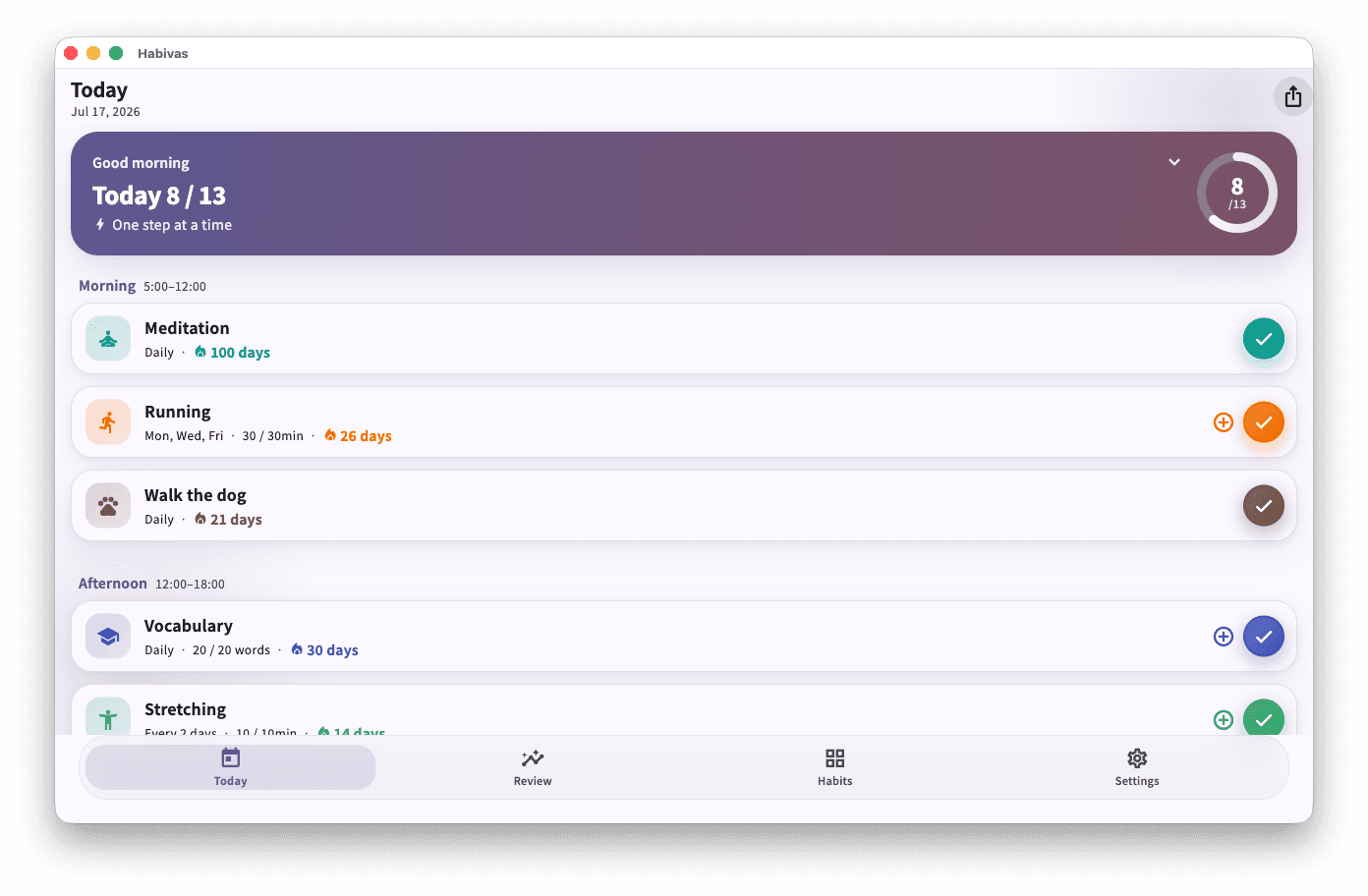
The same app, wherever you are
One codebase, one design language — the Today screen you learn on your phone is the Today screen waiting on your desktop.
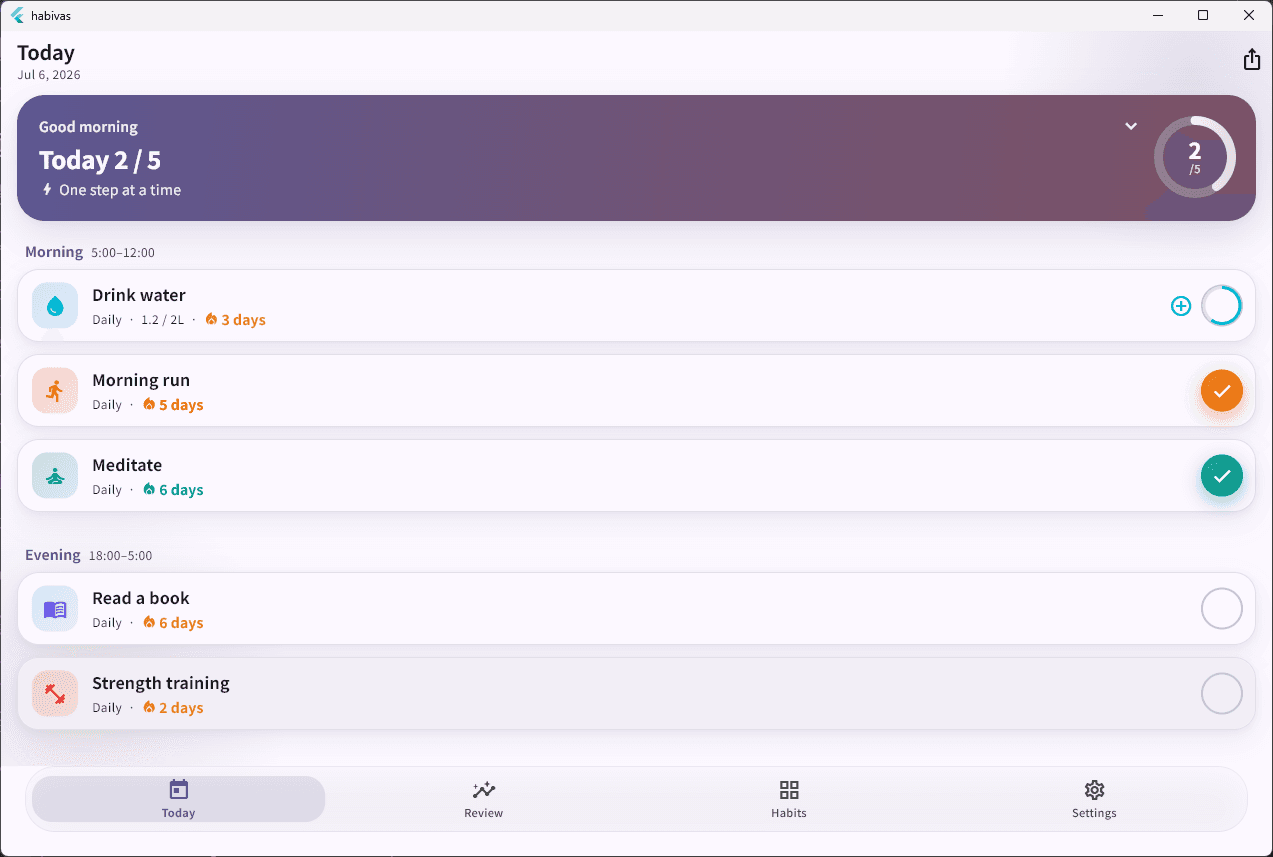
Shown in Japanese and English — the interface also ships in Chinese, Korean and Spanish.
Everything you need to keep going
Flexible schedules, honest statistics and a record that never disappears — all computed on your device.
One-tap recording
Check in from the Today screen in a single tap, with an undo always within reach. Numeric habits accumulate through the day — 1L now, 1L later, goal met.
Schedules that fit real life
Every day, N times a week, specific weekdays, or every N days. Off-schedule days are ignored entirely, so a Mon/Wed/Fri habit never breaks on a Tuesday.
Statistics you can trust
A GitHub-style heatmap, completion rates, and weekly and monthly trends. Rest days are excluded from the denominator, so your percentage stays honest.
Built around your clock
Define your own morning, afternoon and evening boundaries, choose your week start, and set the hour your day actually begins — past midnight if that's when you live.
Twelve themes, light and dark
Seasonal palettes from Aurora to Winter, plus an extended spectrum. Pick a swatch and the whole app recolours instantly; each habit keeps its own colour.
Your records, exportable
Export everything to JSON or CSV whenever you want. Records are written locally first and deleted only as tombstones, so nothing quietly disappears.
See the whole story at a glance
A year of records in a single heatmap. Rest days sit in a neutral cool tone and repaired days keep a distinct outline, so the record stays honest without anything on it feeling like an accusation.
A streak that forgives you
Most trackers reset you to zero the moment you miss a day. Habivas is designed not to punish — it bridges the gap and lets you pick the thread back up.
Habivas only ever counts the days a habit was actually scheduled. Everything else is designed to keep you going rather than catch you out.
Rest days are neutral
Mark a day as rest and it bridges your streak without adding to it. Plan a whole range in advance before a trip.
Misses are absorbed
A freeze budget covers genuine misses. Configure how much slack you want; exceed it and only then does the count reset.
Today never breaks
An unfinished habit shows a calm amber nudge, not a broken streak. You have until the end of your day.
Off-schedule days don't count
A three-times-a-week habit is judged by the week, not the calendar. Empty days in between are simply not your problem.
And if it does break — repair it
Any missed day within the last seven can be restored. Repaired days count towards your streak and stay visually distinct on the heatmap, so the record stays truthful without costing you your momentum. The app tells you how many repairs you have left this month rather than hiding the limit.
Your 42 days are still here
One day was missed — nothing was lost. Repair it, or simply pick things up again today.
You'll never see a red warning or a guilt-trip notification. The interface talks about what you've built, not what you've missed — and the return screen after a long absence deliberately doesn't show your missed-day count.
Your data stays yours
Local storage is the single source of truth. Sync is optional, export is always available, and nothing leaves your device unless you ask.
Offline-first isn't a feature here, it's the architecture. The app is fully usable with no account and no connection.
Local is the source of truth
Without signing in, every habit and record lives only on your device and is never transmitted anywhere.
Sync is opt-in
Create an account only if you want cross-device sync. Data then syncs to Google Cloud Firestore (asia-northeast1) under owner-only access rules, encrypted in transit.
No ads, no tracking SDKs
Share links carry no personally identifiable information, and there is no advertising business model to make your behaviour the product.
Leave whenever you like
Export to JSON or CSV, then delete your account and all associated cloud data from inside Settings.
Full details are in theprivacy policy.
Why Habivas is different
Most habit trackers are built to make you feel bad for missing. This one isn't.
| Habivas | Typical habit tracker | |
|---|---|---|
| Missing one day | Bridged by rest days and a freeze budget | Streak resets to zero |
| Recovering a broken streak | Repair any missed day within 7 days | Not possible — start again |
| Tone when you fall behind | Amber nudge, no missed-day count | Red alerts and guilt notifications |
| Working without an account | Full functionality offline | Sign-up required up front |
| Getting your data out | JSON & CSV export, anytime | Locked in, or paywalled |
| Sharing your progress | Share Studio, 3x export, on-device | A screenshot |
| Price | Free — every feature | Subscription for the useful parts |
Comparison reflects patterns common to popular habit trackers, not any single named product.
One habit, every device
The same experience across mobile, desktop and browser — not a phone app with a stripped-down web page bolted on.
Built with Flutter from one codebase, so features land everywhere at once instead of trickling down from the phone.
Android
Phone & tablet
Coming soonWeb
Any modern browser
Coming soonFrequently asked questions
Everything you might want to know before you start.
Is Habivas free?
Yes. Every feature — habit creation, records, statistics, Share Studio and cloud sync — is provided free of charge. There is no Premium or Pro tier; the paid plan that previously existed has been removed. Only your own internet/data charges apply.
What happens to my streak if I miss a day?
It probably survives. Habivas treats rest days and skips as neutral — they bridge your streak instead of breaking it. Genuine misses are absorbed by a freeze budget you configure, and today's streak is never broken mid-day: an unfinished habit only shows a gentle at-risk nudge in amber, never an alarming red. If a break does happen, streak repair lets you restore a day from the last 7 days.
Do I need an account?
No. Habivas is offline-first, and without signing in every record stays on your device and is never transmitted. You only create an account if you want cross-device sync and cloud backup, which uses Firebase Authentication.
How do the schedules work?
Four frequency types: every day, N times per week, specific weekdays, or every N days. Habits can also carry a numeric goal — a count, an amount or a duration — so "drink 2L of water" accumulates across the day rather than being a single yes/no tap.
Where is my data stored, and can I get it out?
Your device is the single source of truth. If you enable sync, data is stored in Google Cloud Firestore (asia-northeast1) under owner-only access rules, encrypted in transit. You can export everything to JSON or CSV from Settings at any time, and delete your account and all cloud data from the same screen.
Are the photos I use on share cards uploaded anywhere?
No. A photo you pick as a share-card background is held in memory on your device purely to compose the image. It is never automatically uploaded — it only leaves your device if you deliberately share the finished card.
Which platforms and languages are supported?
Habivas is built from one codebase for iOS, macOS, Windows, Android and Web, so the experience matches everywhere. iOS, macOS and Windows are available to download now — iOS and macOS from the App Store as a universal purchase, Windows as a direct download — and Android and Web are on the way. The interface is available in English, Japanese, Chinese, Korean and Spanish, and you can set your week start day and your own day-start hour if you keep late nights.
How does the Windows download work?
The download hands off to Windows App Installer using an MSIX package, and requires 64-bit (x64) Windows. Open the .appinstaller file and Windows takes care of installing it and checking for new versions, so the app keeps itself current without you revisiting this page. You may see a prompt from App Installer the first time — that is the standard Windows install flow for MSIX apps.
Can I adjust a day I forgot to record?
Yes. Open a habit's calendar and tap any past day to mark it done, rest, skipped, or to clear it. You can also schedule rest days ahead as a date range — useful for a planned holiday — and record several habits at once in the evening.
Start the habit you keep restarting.
Free, offline-first, and built so a missed day never costs you your progress.
Get Habivas for
Windows installs via App Installer (MSIX) and keeps itself up to date. For 64-bit (x64) Windows.
Android and Web are coming soon.